
Please note: In order for Clever to work properly, you will need to use the Chrome web browser on your laptop or desktop computer.
-
Go to clever.com and select “Log in as a student” in the top right

-
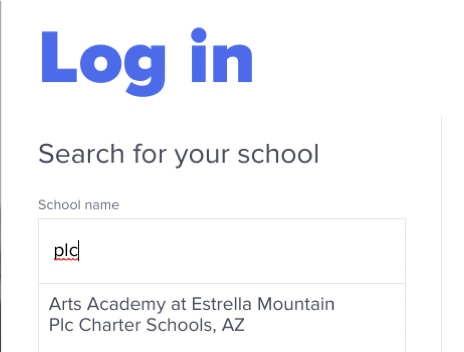
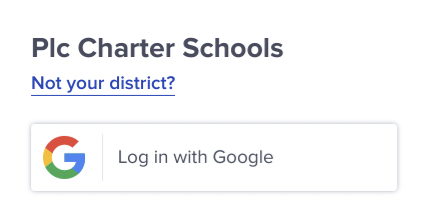
Type in PLC for the school and select “Arts Academy at Estrella Mountain Plc Charter Schools”. Then, click on “Log in with Google”
-
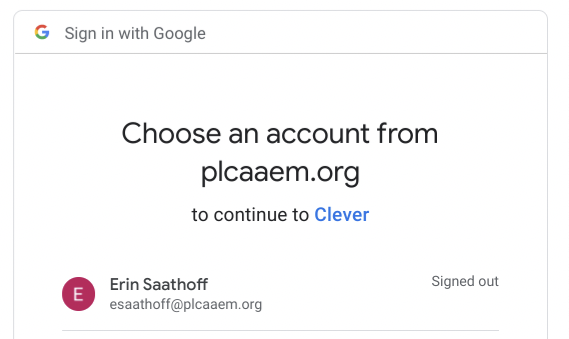
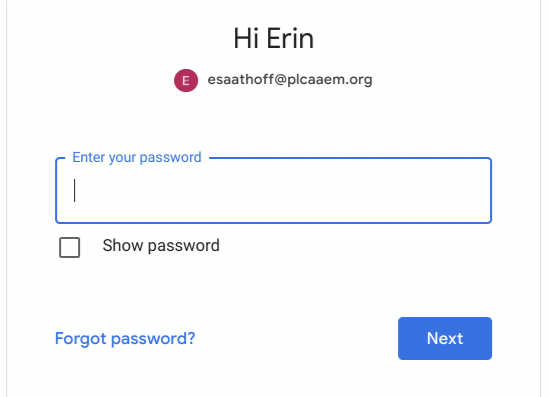
Click on your student’s e-mail address (ex: 1234@plcaaem), and enter their password (student’s birthday in the format: mmddyyyy) into the password field.
-
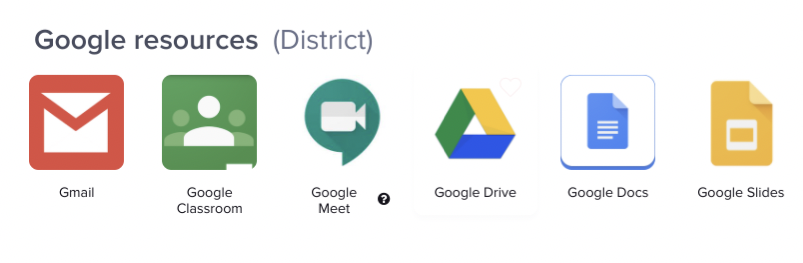
Select Google Classroom (Green icon)
Comments
0 comments
Please sign in to leave a comment.