
- Go to classroom.googe.com and sign in.
- Double-Click on your classroom.

- Click on the Classwork tab at the top of the screen.

- Click on the assignment with the recorded class video.
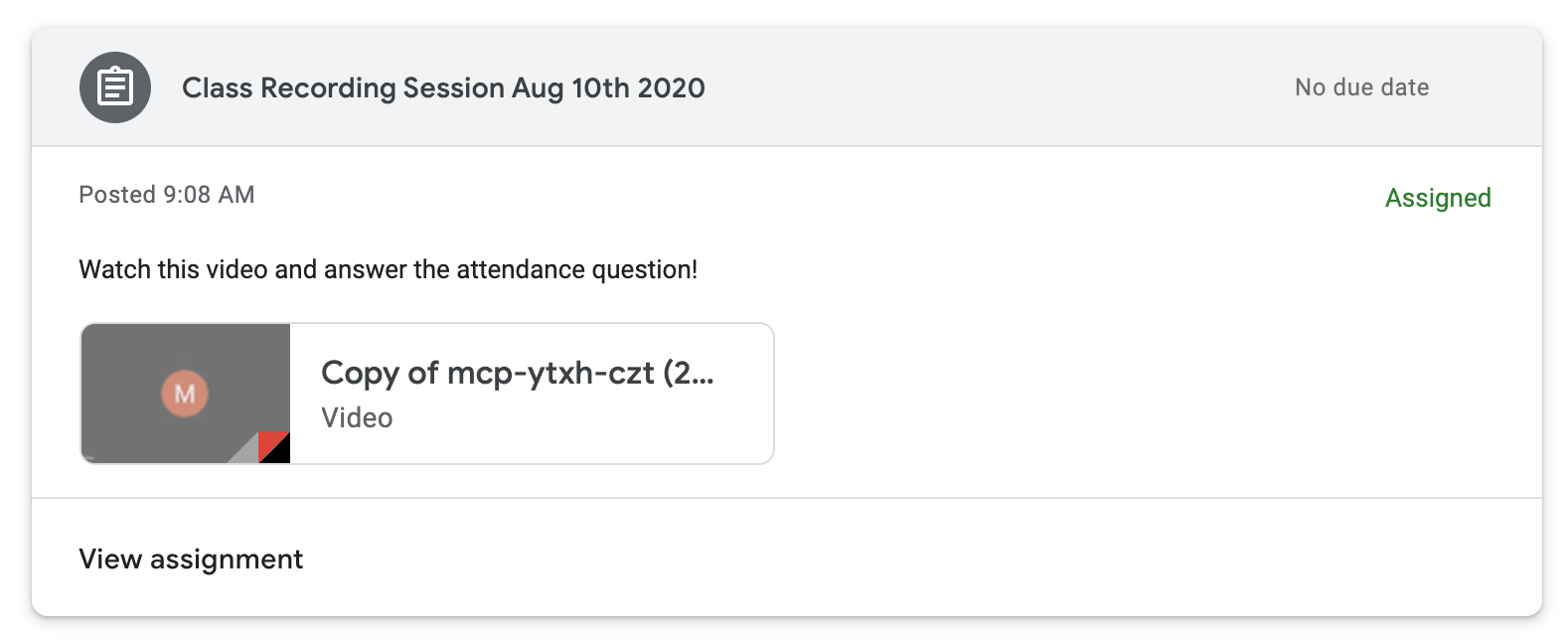
- After clicking on the video, it will open in a new tab. Instead of clicking on the play icon, click download in the upper right corner of the screen. Your download should start immediately. If prompted to allow Google to download to your Downloads folder, select Allow.

Comments
0 comments
Please sign in to leave a comment.